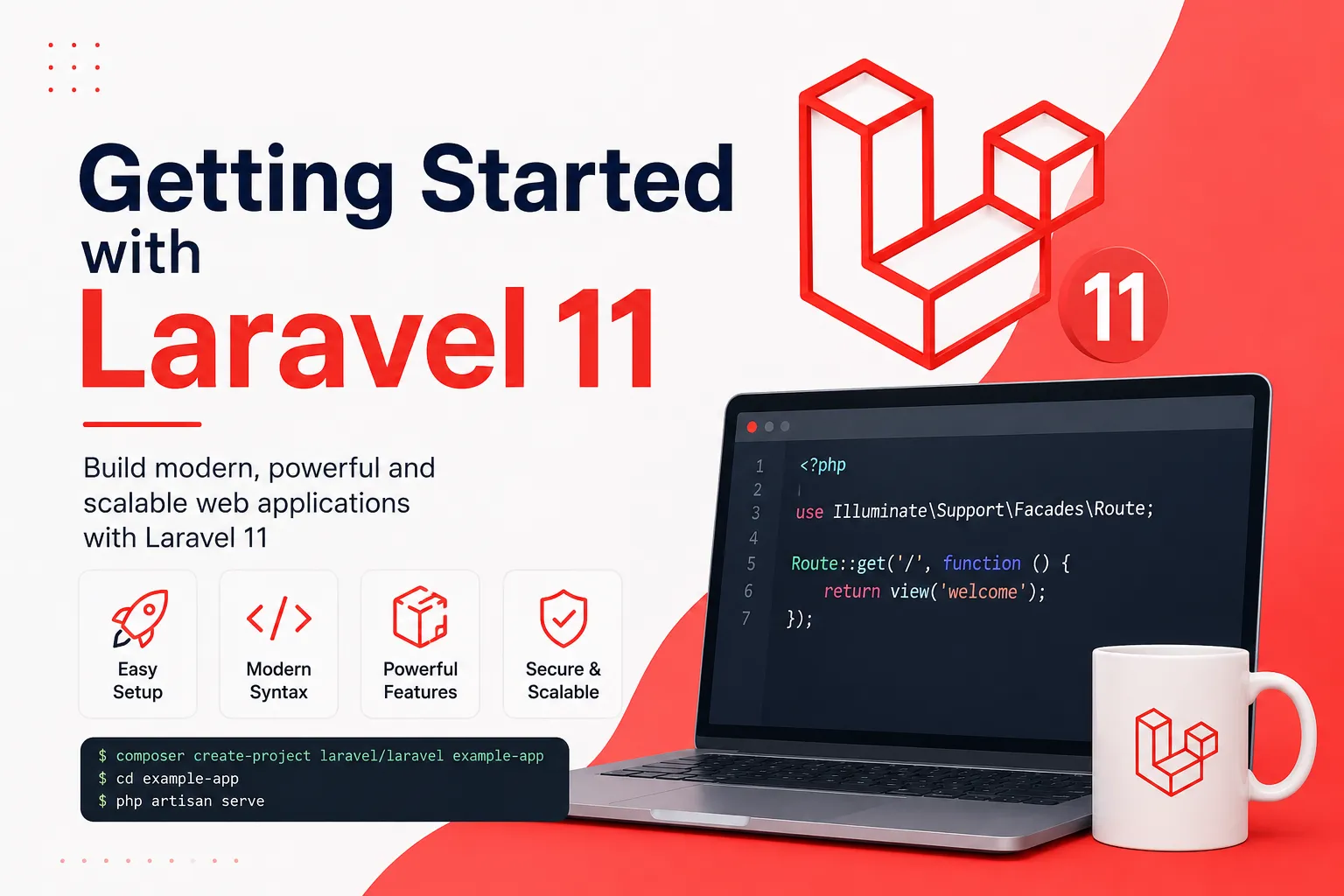
Introduction to Laravel 11
Laravel 11 is a PHP framework for building web applications using a structured, expressive development workflow. It provides routing, middleware, dependency injection, database migrations, Eloquent ORM, Blade templates, validation, queues, and many other tools.
This guide covers foundational concepts for developers learning Laravel 11. If you are starting a new application today, check the official Laravel documentation for the currently supported release and upgrade guidance.
Create a New Laravel Project
Make sure PHP, Composer, and the extensions required by Laravel are installed. Create a project using the Laravel installer or the Composer command documented for your environment. Configure the application environment and database connection before running database migrations.
Use the local development server to open the application in a browser. Keep credentials and application keys out of source control. For a team project, document required environment variables without publishing their secret values.
Understand Routes and Controllers
Web routes are commonly defined in routes/web.php. A route maps an HTTP method and URI to a closure or controller action. Use named routes for links and redirects so URLs can change without requiring every reference to be updated.
Controllers group request-handling logic. Keep controller methods focused: validate input, authorize the action, call the relevant application logic, and return a response. Move complex workflows into services or dedicated classes when that improves reuse and testability.
Create Blade Views
Blade is Laravel's templating engine. Views live in the resources/views directory and can use layouts, sections, components, loops, and conditionals. Reuse a common layout for navigation and page structure instead of duplicating markup across every page.
Use escaped output when displaying user-supplied content. Treat raw HTML as untrusted unless it has been safely sanitized for the intended use.
Database Migrations and Eloquent Models
Migrations describe schema changes in code so a team can apply them consistently. Create migrations for tables and columns, then run them in the correct environment. Use factories and seeders to create predictable development data.
Eloquent models represent records and relationships. Define fillable or guarded attributes carefully, use database constraints for important integrity rules, and eager-load relationships when displaying related data in lists.
Artisan Commands, Validation and Testing
Artisan provides commands for common tasks such as generating models and controllers, running migrations, listing routes, and clearing caches. Run php artisan list to see the commands available in your installed application.
Validate all incoming data on the server. Add feature tests for important routes, successful submissions, invalid requests, and authorization failures. Testing helps catch regressions before deployment.
Next Steps
Once comfortable with the basics, learn authentication, authorization policies, API resources, queues, events, caching, file storage, notifications, and deployment. Build a small application to practice the complete development lifecycle.
Laravel's official documentation is the best reference for exact version behavior. Keep your dependencies updated and review security guidance before deploying a public application.